Business IT Support for Southeastern North Carolina
IT Support That's Quick to
Respond and Built For Your Team
When your IT partner knows your people, support stops
feeling like a service and starts feeling like a relationship.
Quick Support Starts Here
Get a Custom Plan That Fits Your Team In Just 15 Minutes
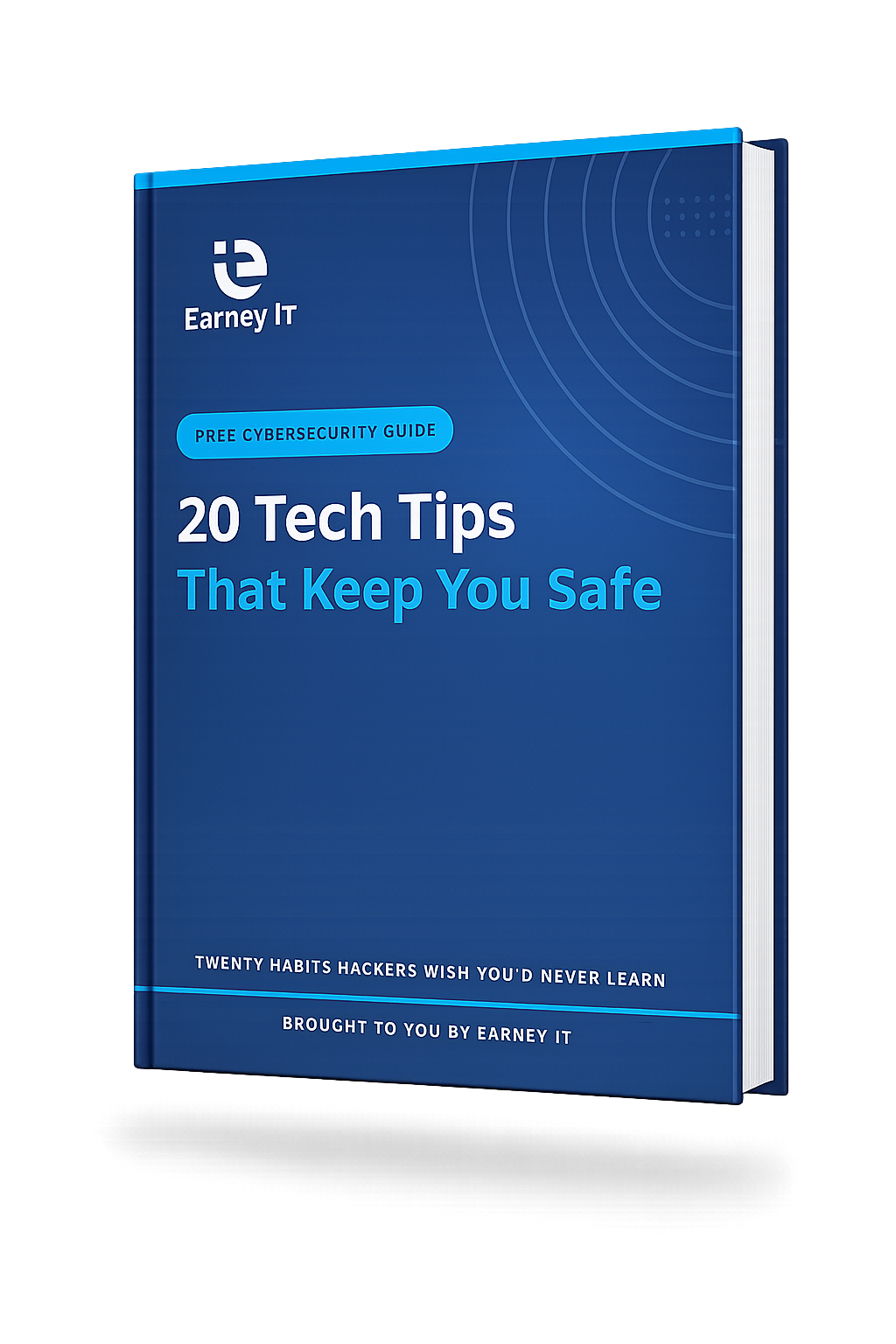
Download Your Free Guide
20 Tech Tips That Keep You Safe
Small habits can prevent big problems. This guide gives you simple, practical steps you can use right away to better protect your personal and business information.
Use this guide to:
- Recognize suspicious links, scam emails, and fake messages
- Create stronger passwords and protect your accounts
- Use AI tools more safely in business and everyday work
- Build simple tech habits that help prevent bigger problems
Get yours now and start making smarter tech decisions.
The Everyday Basics
01. Multi-Factor Authentication
If you have not turned on multi-factor authentication yet, do that today. Passwords are easier to steal than most people think, and this extra step can help keep someone out of your email, bank account, or business tools.
02. Unexpected Links
If an email or text shows up with a link you were not expecting, pause before you click. Instead, go straight to the company's website, open the app yourself, or call to verify it. One quick click can send you to a fake page designed to steal your information.
03. Check the Sender's Email Address
Here's a simple one that catches a lot of scams. Check the full sender email address and watch for small changes like a missing letter, added number, or an address that does not match the business name. The email may look real, but the address is often where the red flag shows up.
04. Urgent Emails
If an email is trying to rush you with phrases like act now, urgent, or respond today, that is your sign to slow down. Scammers use pressure on purpose because when people feel rushed, they are much more likely to click first and think later.
05. Password Manager
If keeping up with passwords feels overwhelming, a password manager can make life a lot easier. It helps you use strong, different passwords for your accounts, and instead of trying to remember every one, you usually just need to remember one main password.
Money, Files & Backups
06. Verify Payment Changes by Phone
If you ever get an email saying payment instructions have changed, do not rely on the email alone. Go directly to the company using a phone number or website you already know is real. That extra step can help you catch fraud before money goes to the wrong place.
07. Backups
Don't leave your important files, like family photos or important documents, at risk. You need to back them up somewhere safe outside your computer, like the cloud or an external drive, so they can be restored if you are hacked or a natural disaster hits.
08. Test Your Backups
Having a saved copy of your important files is great, but you need to make sure that backup is actually working. Put a reminder on your calendar to test it every season or on a regular schedule, so you are not caught off guard in an emergency.
QUICK WIN
Set a recurring calendar reminder titled "Test my backups." One minute on your calendar today saves you from a very bad week later.
Daily Habits
09. Lock Your Screen
This is a big one, and a lot of people still overlook it. Lock your screen every time you step away from your computer. Leaving your computer unlocked, even for a quick minute, is basically an open invitation for someone to snoop, click around, or get into something they definitely should not. Any malicious activity they do is going to be coming from your name.
10. Public Wi-Fi
Free Wi-Fi is great until it is not. Be careful what you do on public Wi-Fi. If you need to check email, log into a business account, or handle anything sensitive, use your phone's hotspot or wait until you are on a secure network instead. Open networks make it much easier for someone else to intercept the personal information you send.
11. USB Drives
A random USB drive may not look like a big deal, but it can infect your computer with malware in seconds. If you do not know where it came from, do not plug it in. Always ask the sender to send the file another way, like email, a shared folder, or a secure download link. This tip keeps your system safe from viruses that can make your personal information vulnerable.
HABIT STACK
Pair locking your screen with another habit you already do, like grabbing your coffee or standing up. Pretty soon you won't even think about it.
Working With AI
12. AI Tools
AI tools can be incredibly helpful, but this is not something your team should just freestyle. Pick one or two AI tools your business knows and trusts, and make sure everyone sticks to those. The wrong platform could save, share, or expose information you never meant to put out there.
13. Sensitive Information in AI
Before you paste anything into an AI tool, stop and look at what is in it. Never put customer info, financial details, or passwords into AI. Anything you enter could be stored, reused for model training, or resurface somewhere it should not appear.
14. Use a Business AI Account
Stick with paid business or enterprise AI accounts when you can. Free consumer plans often use what you type to train future models, so a business account keeps your data out of the training pool.
15. Verify AI Output Before You Trust It
AI sounds confident even when it is wrong. Before you forward a fact or send a generated email, take a minute to check it against a source you already trust. A quick review now beats walking back a mistake later.
16. Watch for AI-Powered Scams
AI killed the bad-grammar tell. Today's scam emails read perfectly, sound like a coworker, and even reference your social profiles. Slow down and call a known number to confirm anything asking for money or credentials.
Running A Business
17. Small Businesses Are Targets Too
If you own a small business, do not assume you are too small to be hacked. In fact, small businesses are often targeted because many assume they are not at risk. The most important thing to do is turn on multi-factor authentication for your email and banking accounts. Once someone hacks into those accounts, the damage can happen fast.
18. Updates
We all know update reminders can pop up at the most inconvenient times, but do not keep putting them off. You actually need to turn on automatic updates or set aside time each month to install them. These important updates often fix security holes that hackers use to steal your information or infect your computer.
19. Access Revoked
Always take offboarding employees seriously. When someone leaves your company, make sure all of their access is revoked right away. That includes things like system login information, email access, and even building or keycard access. It may seem like a small detail, but leaving one account open is all it takes to create a real problem.
20. Review Access
Take a close look at who still has access to your systems. Review things like email, shared folders, and business software on a regular basis, and remove anyone who no longer needs access. It is easy for old accounts to get missed, and that can leave the door open to the wrong person.
YOU MADE IT TO THE END
Now pick three.
Don't try to do all 20 today. Choose three habits from this guide and put them in place this week. Then come back, pick three more, and keep going. Small, steady steps protect you better than a one-day overhaul that never sticks.
Today
This Week
This Month