
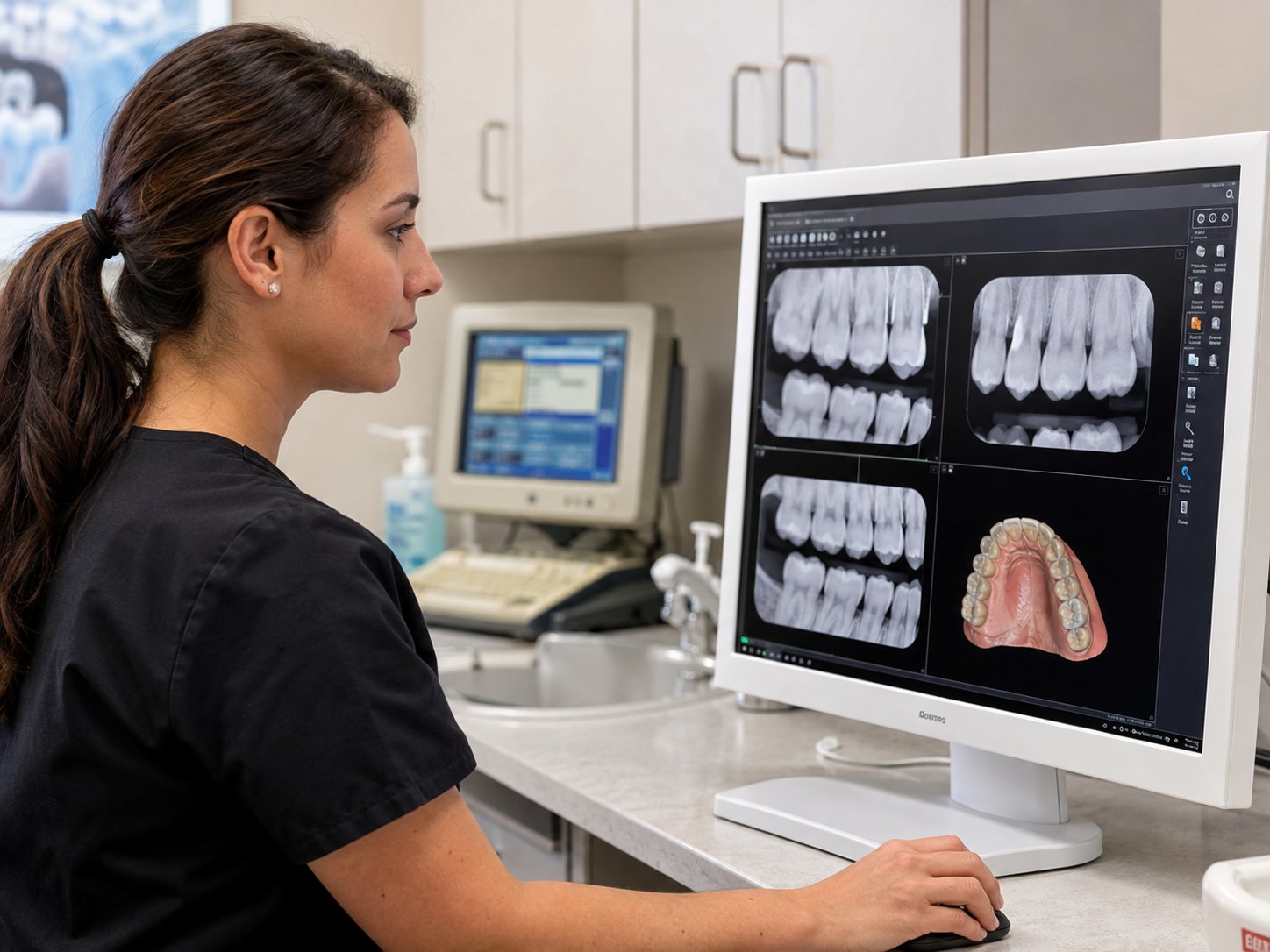
When was the last time you replaced a computer in your dental practice?
For many dentists, the answer is simple: when it stopped working.
On the surface, that can seem like a smart financial decision. Why replace something that still turns on and completes most of the tasks your team needs it to do?
The problem is that outdated technology rarely stops working all at once. It becomes slower, less reliable, harder to secure, and more difficult to connect with newer dental equipment. Long before a computer or server fails completely, it may already be costing your practice through lost productivity, longer patient wait times, cybersecurity risks, and unexpected repair expenses.
For dental practices in Wilmington, NC, the better question is not, “How much will new technology cost?” It is, “How much is outdated technology already costing the practice?”
Every Minute of Downtime Costs More Than You Think
Technology supports almost every stage of the patient experience. Your team depends on it to schedule appointments, review medical histories, capture digital images, present treatment plans, process payments, submit insurance claims, and communicate with patients.
When one computer slows down or a server becomes unreliable, the problem rarely stays contained to one person. The front desk may struggle to check in patients. A hygienist may wait for an image to load. The doctor may lose time moving between operatories while the team tries to restart a workstation.
The office may still appear to be functioning, but the schedule is no longer moving as efficiently as it should.
That is one of the most overlooked costs of aging technology. Employees often adapt to recurring problems instead of reporting them. They arrive a few minutes earlier to start slow computers, avoid certain workstations, or develop workarounds for software that regularly freezes. Over time, those workarounds begin to feel normal, even though they quietly reduce productivity every day.
Reliable IT support that helps dental teams stay productive can uncover those recurring problems before they become accepted parts of the workday. For dental practices comparing IT companies in Wilmington, NC, the real value of a technology partner is not simply fixing computers when they fail. It is helping the entire practice stay productive, keeping the schedule moving, and preventing small technology problems from becoming everyday interruptions.
Small Delays Add Up to Significant Costs
Outdated technology does not have to fail completely to become expensive.
A computer that takes several extra minutes to start each morning may not seem like an emergency. Neither does a patient chart that loads slowly, an imaging program that needs to be restarted, or a printer that frequently disconnects from the network.
Individually, each delay feels minor. Across an entire dental team, those minutes add up quickly.
Consider a practice with ten employees. If each person loses only ten minutes per day to slow computers, frozen software, login problems, or disconnected devices, the practice loses more than eight hours of productive time every week. That is the equivalent of an entire workday spent waiting on technology.
The financial impact extends beyond payroll. Delays can cause appointments to run behind, make patients wait longer, reduce the number of procedures completed, and create additional stress for employees who are already managing a full schedule.
This is why proactive maintenance that addresses small problems early often delivers more value than repeatedly fixing the same issues after they interrupt the practice.
Outdated Technology Can Affect the Patient Experience
Patients may never see your server, network equipment, or practice management software, but they experience the results when those systems do not work well.
A slow check-in process creates a poor first impression. Delayed digital images interrupt the flow of an appointment. A frozen workstation can leave a patient sitting in the chair while the clinical team waits for information. Problems processing payments or scheduling follow-up care can create frustration at the end of an otherwise positive visit.
Most patients will not describe these moments as technology problems. They will simply remember that the appointment felt disorganized or took longer than expected.
That makes technology part of the patient experience, even when it remains behind the scenes. The best systems allow the team to remain focused on care instead of apologizing for delays.
Old Technology Can Prevent Your Practice From Growing
Many Wilmington dental practices are investing in digital scanners, CBCT imaging, AI-assisted diagnostic tools, cloud-based practice management platforms, and modern patient communication systems.
These tools can improve treatment planning, efficiency, and patient communication, but they often require updated computers, dependable internet connectivity, supported operating systems, and properly configured networks.
A practice may purchase new equipment only to discover that several existing workstations cannot support it. The network may not have enough capacity. The operating system may be incompatible. The server may not have enough storage or processing power.
What was expected to be one planned investment can quickly turn into several unplanned expenses.
Before purchasing major dental equipment, it is important to evaluate the technology supporting it. That may include reviewing workstation specifications, server capacity, network performance, Wi-Fi coverage, software compatibility, backup requirements, and vendor access.
Networking equipment and failover internet designed for reliable business operations can become especially important when imaging systems, cloud applications, and patient communication platforms all depend on stable connectivity.
Planning these requirements before the purchase gives the practice time to budget, coordinate vendors, and complete upgrades without disrupting patient care.
Unsupported Systems Create Serious Security Risks
Cybercriminals are not only looking for large organizations or advanced systems. They are looking for weaknesses that are easy to exploit.
Older operating systems and unsupported software eventually stop receiving security updates. Once that happens, newly discovered vulnerabilities may remain uncorrected. Even if the computer continues to perform its daily tasks, it can become an unnecessary entry point into the practice.
For a dental office, the consequences can extend far beyond replacing a workstation. A successful attack could prevent access to patient records, interrupt appointments, create HIPAA concerns, increase recovery expenses, and damage the trust patients place in the practice.
Outdated technology can also make it harder to use current cybersecurity tools. Modern endpoint protection, encryption, application controls, and security monitoring may not work correctly on older operating systems.
Dental practices should not rely on antivirus software alone. A stronger approach combines supported systems with endpoint detection and response that identifies suspicious activity, encryption that protects information stored on computers and servers, and consistent security updates.
Automated patching that keeps supported systems current also reduces the chance that known vulnerabilities remain open simply because an update was missed.
Protecting patient information is more than a compliance responsibility. It is part of protecting the practice, its reputation, and the relationships it has spent years building.
The Cost of Waiting Until Something Breaks
Many practices replace technology only after a complete failure. The difficulty with that approach is that equipment rarely fails at a convenient time.
A workstation may stop working during a busy morning. A server problem may appear while patients are already in treatment rooms. An imaging computer may fail before a major procedure. A network issue may interrupt the front desk while claims are being submitted.
Emergency replacements often cost more because the practice has fewer choices. Equipment must be purchased quickly, schedules may need to be changed, and employees may spend hours working around the interruption. The team is forced to make an important decision under pressure instead of choosing equipment based on the practice’s long-term needs.
Reactive replacements can also create inconsistencies. One computer may run a different operating system from the rest of the office. Another may not meet the recommended specifications for the practice management software. Over time, the technology environment becomes harder to support because each emergency purchase was made independently.
The purchase price is only one part of the cost. The practice must also consider lost production, employee downtime, vendor coordination, emergency labor, and the effect on patients whose appointments are delayed or rescheduled.
Technology Should Be Planned, Not Replaced in a Panic
One of the biggest differences between reactive IT support and strategic technology management is planning.
A dental technology roadmap identifies which systems are approaching the end of their useful life, what upgrades will be needed, and how those expenses can be spread across future budgets. It also helps the practice coordinate technology decisions with growth plans, equipment purchases, office renovations, and software changes.
A useful roadmap should help answer questions such as:
- Which computers should be replaced during the next 12 to 24 months?
- Can the network support a new scanner, imaging system, or cloud platform?
- When should the server be upgraded or moved to another solution?
- Is the Wi-Fi reliable in every clinical and administrative area?
- Are current systems supported by the software vendors the practice depends on?
- Are backups capable of restoring critical information after a failure or cyberattack?
Regular technology business reviews that connect IT decisions with practice goals give the dentist and office leadership a clearer view of upcoming needs. Instead of receiving an unexpected recommendation after something fails, the practice can decide what to replace, when to replace it, and how to budget for it.
That planning is especially valuable when a practice is adding providers, expanding its office, opening another location, or investing in new clinical technology.
Reliable Backups Are Part of the Replacement Plan
Older technology does not only increase the likelihood of failure. It can also make recovery more difficult when a failure occurs.
A server hard drive may stop working. A workstation storing important files may become corrupted. Ransomware may encrypt information across the network. In each situation, the practice needs confidence that patient and business data can be restored.
Backups should be reviewed before older equipment is replaced, not after a failure. The practice should know what information is being protected, how often backups run, where copies are stored, and how long recovery may take.
Server backup solutions that support faster recovery can help protect the systems a practice relies on each day. Dental offices using Microsoft 365 or other cloud platforms should also remember that cloud access does not always provide a complete, independent backup of business data.
A good replacement plan considers both the new equipment and the information that must move safely to it.
Technology Is an Investment in the Practice
It is easy to look at a new computer, server, or network upgrade and focus only on the purchase price. The real value comes from what that investment helps protect.
Reliable technology keeps the schedule moving, supports a productive team, protects patient information, and gives the practice access to the systems it needs throughout the day. It also creates a stronger foundation for new dental equipment and allows the practice to grow without technology becoming a bottleneck.
The goal is not to buy the newest equipment simply because it is available. It is to invest in technology that meets the practice’s needs, can be secured properly, works with critical dental software, and will remain useful for a reasonable period of time.
A less expensive computer that struggles with imaging software or needs to be replaced again in two years may cost more in the long run than a properly selected system. The same is true for consumer-grade network equipment, undersized servers, and temporary fixes that do not address the underlying problem.
Good technology decisions balance cost, reliability, security, compatibility, and the way the practice plans to grow.
A Technology Partner That Plans Ahead
Earney IT has partnered with dental practices for more than 25 years, beginning with our first client. We understand that replacing technology is not simply about buying new computers.
It is about protecting patient care, supporting the team, and making thoughtful investments that keep the practice running smoothly.
We help dental practices in Wilmington, NC create long-term technology roadmaps, coordinate with dental software and equipment vendors, evaluate compatibility before major purchases, and replace aging systems before they become costly emergencies. As a local IT provider and managed service provider, we also help practices connect everyday IT support with cybersecurity, business continuity, and long-term planning.
The best technology upgrade is often the one patients never notice because the schedule keeps moving, the team can do its work, and the practice avoids the disruption of an unexpected failure.
Frequently Asked Questions About Outdated Dental Technology
How often should a dental practice replace its computers?
Many business computers are replaced on a three-to-five-year cycle, but the right schedule depends on the computer’s role, performance, operating system, warranty, and compatibility with dental software. Clinical workstations running imaging or scanning applications may need different specifications from front desk computers.
The practice should review equipment annually and plan replacements before systems become unreliable or unsupported.
Is a slow computer really costing the practice money?
Yes. Slow startup times, frozen applications, delayed imaging, and recurring restarts reduce the amount of productive time available each day. When those delays affect several employees, they can contribute to longer appointments, schedule disruptions, overtime, and employee frustration.
Can old computers create HIPAA problems?
Older computers can increase risk when they run unsupported operating systems, lack current security updates, or cannot use modern encryption and endpoint protection tools. HIPAA compliance depends on the practice’s broader safeguards, but unsupported technology can create avoidable weaknesses.
Should technology be reviewed before buying new dental equipment?
Yes. Before purchasing a scanner, CBCT system, imaging platform, or cloud application, the practice should confirm that its computers, network, server, internet connection, backups, and security tools can support the new technology.
This review can prevent unexpected expenses, compatibility problems, and delays during installation. In fact, a major equipment purchase is often what leads dental practices to search for IT companies Wilmington NC because it exposes technology limitations that may not have been noticeable during normal day-to-day operations.
What should a dental technology roadmap include?
A useful roadmap should document the age and condition of major equipment, expected replacement dates, software requirements, network needs, security improvements, backup planning, and future practice goals. It should also identify anticipated costs so replacements can be included in the budget.
Is Your Technology Helping Your Practice Grow?
When computers are slowing down, systems struggle to support new equipment, or no one is sure which technology should be replaced next, the practice is already receiving signs that a plan is needed.
Earney IT helps Wilmington, NC dental practices evaluate aging technology, identify upcoming risks, and create a practical roadmap for future investments. Our Managed IT Services bring IT support, cybersecurity, vendor coordination, and long-term planning together so technology can support patient care instead of interrupting it.
Schedule a free technology risk assessment to review where outdated systems may be creating unnecessary costs and how thoughtful planning can help your practice move forward with confidence.